App Design Prototypes: From Idea to Successful Launch November 25, 2025
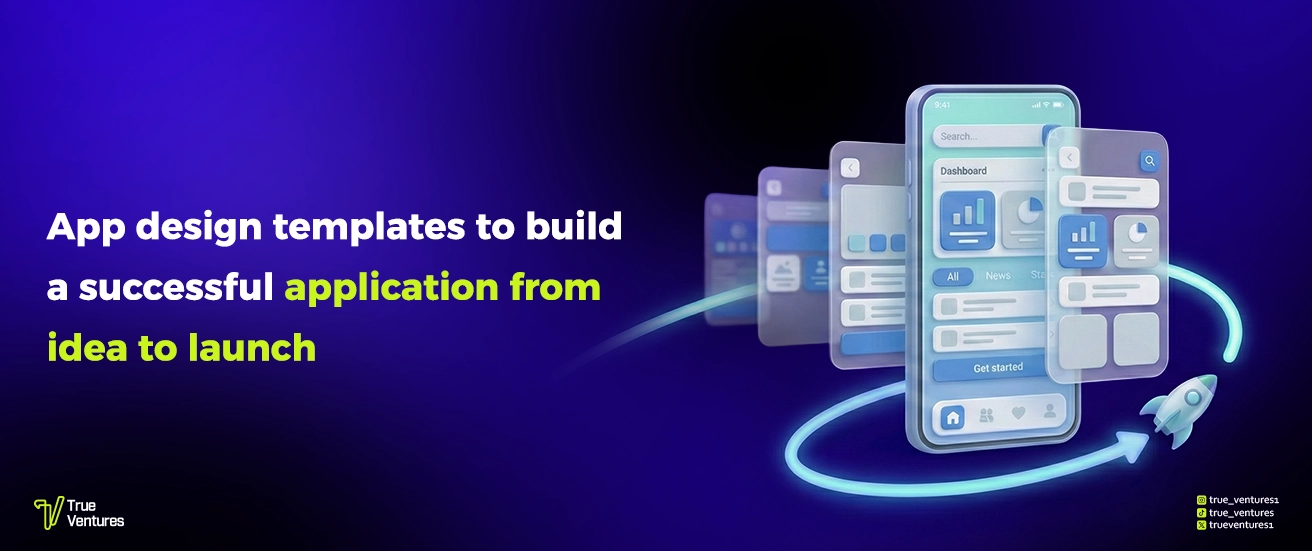
In today’s fast-paced digital world, app design has become a critical step for any business looking to stay competitive. This is where App Design Prototypes come into play, acting as the bridge between the initial concept and the final product. They allow companies to test feasibility, refine ideas, and cut down on costs before moving into full development.
What Are App Design Prototypes?
App Design Prototypes are simplified versions of a mobile app that outline the initial structure, showing how users will navigate between screens and interact with elements such as buttons and menus. Their main purpose is to test the user experience (UX) and improve the user interface (UI) before investing in full development.
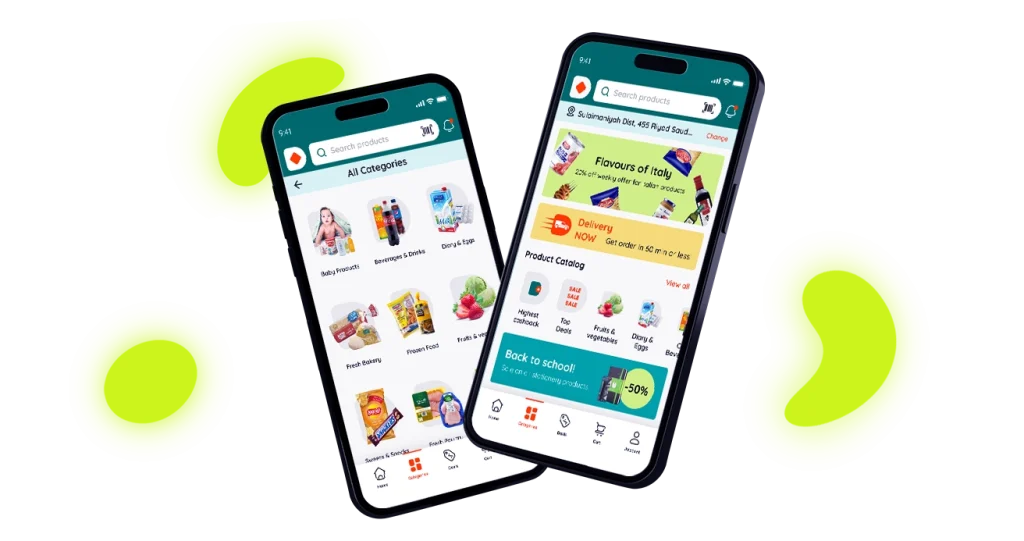
A great example is Dukan App, which started with a design prototype that clearly mapped the customer’s journey inside the online store from browsing products to completing a purchase. This approach led to a clean and intuitive interface, making the shopping process smoother and significantly improving customer satisfaction.
Using design prototypes before coding not only saves time and effort but also gives businesses a competitive edge by delivering a refined user experience that reflects the professionalism of the brand. So, if you’re planning to launch your own app, begin with a smart prototype that sets your project up for success from day one.
The Importance of App Design Prototypes for Businesses and Developers
App Design Prototypes play a crucial role in the success of any tech project. They allow teams to validate ideas and visualize the user journey before making significant investments.
- Idea validation before investment: Prototypes help confirm feasibility and gauge audience acceptance early on.
- Improved user experience (UX): They highlight potential obstacles—such as a complicated signup process or confusing navigation—making it easier to refine the UI.
- Investor and client confidence: A tangible prototype demonstrates the concept clearly, boosting trust among stakeholders and potential investors.
- Faster development process: With a clear structure in place, developers save time, reduce errors, and streamline coding.
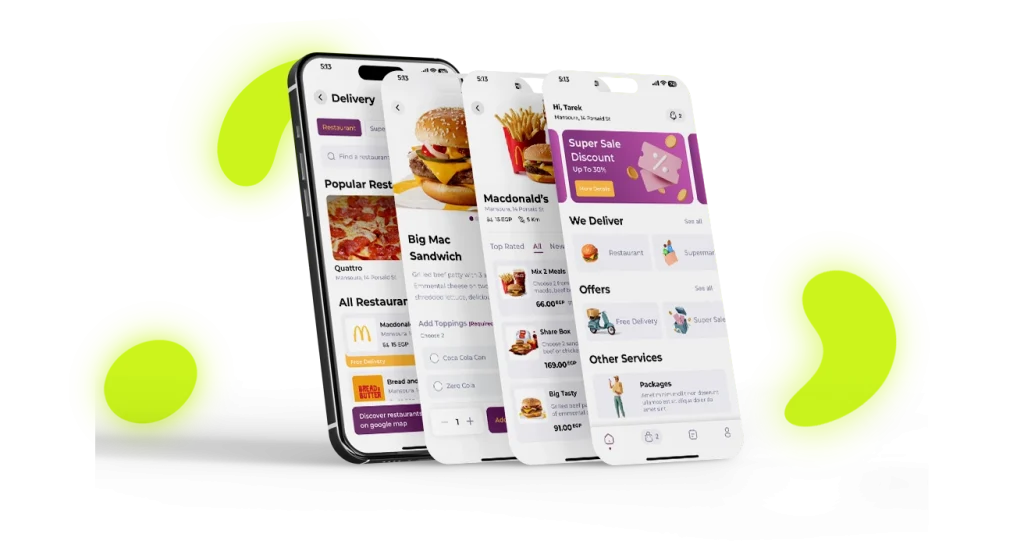
For example, when developing Zoz App, the project began with a comprehensive design prototype that mapped out the entire customer journey from browsing services to booking and completing a transaction. This early blueprint helped the team identify improvements, convinced clients of the project’s value, and significantly accelerated the development phase, allowing the app to launch in record time.
Ultimately, relying on design prototypes is not just an optional step it’s a smart investment that saves money and time while greatly improving the chances of project success.
Types of App Design Prototypes
App Design Prototypes vary depending on the stage of development and the goal they serve. Each type plays a key role in shaping a professional and user-friendly experience:
- Paper Prototypes: Quick hand-drawn sketches that capture the initial concept and help discuss the placement of basic elements in a flexible way.
- Low-Fidelity Prototypes: Simple digital wireframes that focus on the app’s structure and screen flow without design details, making it easier to visualize the overall journey.
- High-Fidelity Prototypes: More detailed mockups that showcase colors, typography, and icons, giving a clear visual direction for the app before development begins.
- Interactive Prototypes: The most advanced form, allowing users to click and navigate between screens as if they were using the real app—ideal for realistic UX testing.

Ureem – انشاء تطبيق جوال
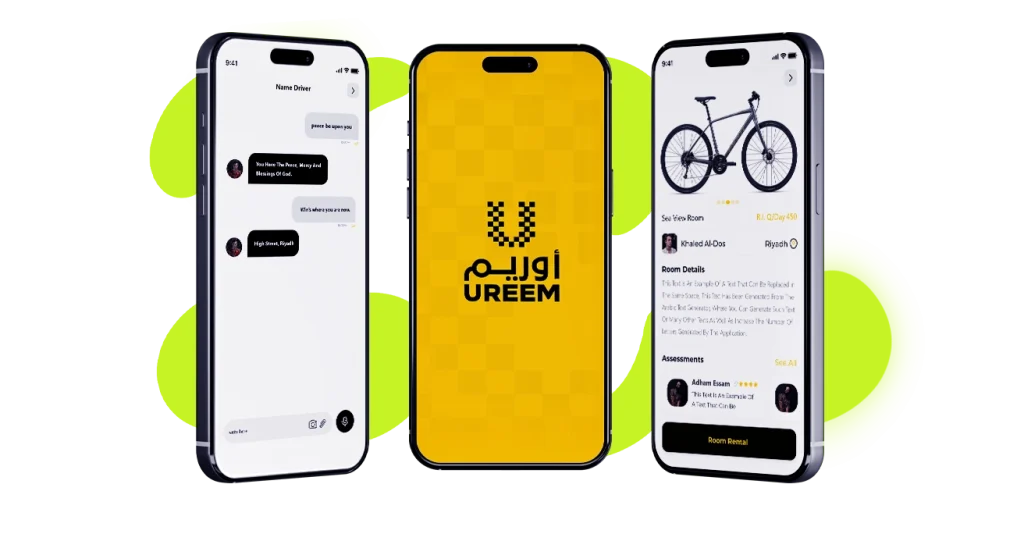
A practical example is Ureem App, where the team relied on high-fidelity interactive prototypes to simulate the customer journey before launch. This approach allowed them to test usability, confirm that the interface was attractive and intuitive, and directly contributed to the app’s success after development.
Choosing the right type of prototype at the right time helps reduce errors, speed up development, and ensure the delivery of an app that offers an exceptional user experience.
Popular Tools for Creating App Design Prototypes
The success of any prototype largely depends on choosing the right tool. Each platform comes with unique features that help designers and developers turn ideas into clear, interactive experiences:
- Figma: A cloud-based tool that enables real-time collaboration among team members, making it easy to build interactive prototypes quickly and efficiently.
- Adobe XD: Seamlessly integrated with design tools like Photoshop and Illustrator, it’s perfect for creating professional UX prototypes at speed.
- Sketch: A top choice for macOS users, offering a vast library of plugins that extend functionality and enhance the design workflow.
- InVision: Known for showcasing interactive prototypes and collecting client feedback, helping teams refine designs before moving into development.
Flori – خدمة انشاء تطبيق
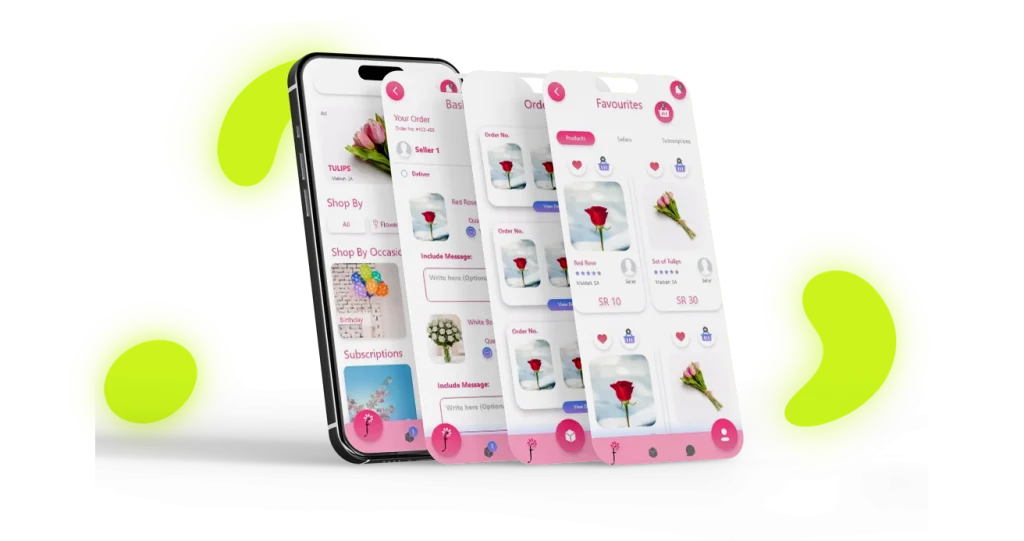
For instance, when working on Flori App, the team relied on Figma to build interactive prototypes that allowed them to test the user journey and ensure smooth navigation before coding. This approach saved significant time and helped deliver a high-quality app with an outstanding user experience.
Selecting the right tool is not just a technical detail, it’s a strategic investment that directly impacts prototype quality, execution speed, and overall customer satisfaction.
Steps to Create a Successful App Design Prototype
Building a successful prototype doesn’t happen by chance; it requires a clear process that transforms an idea into a seamless user experience:
- Define the goal and target audience: Start by understanding the app’s purpose and the users it will serve, so the design fits their needs.
- Sketch initial wireframes: Create a simple outline of the app’s structure, showing the placement of key elements and overall screen flow.
- Build a digital interactive prototype: Use design tools to develop a clickable version that simulates the real app.
- Test with real users: Share the prototype with your target audience to identify early challenges or usability issues.
- Refine the design: Continuously adjust based on feedback until the user experience feels smooth and intuitive.
Almoatamer – mobile apps
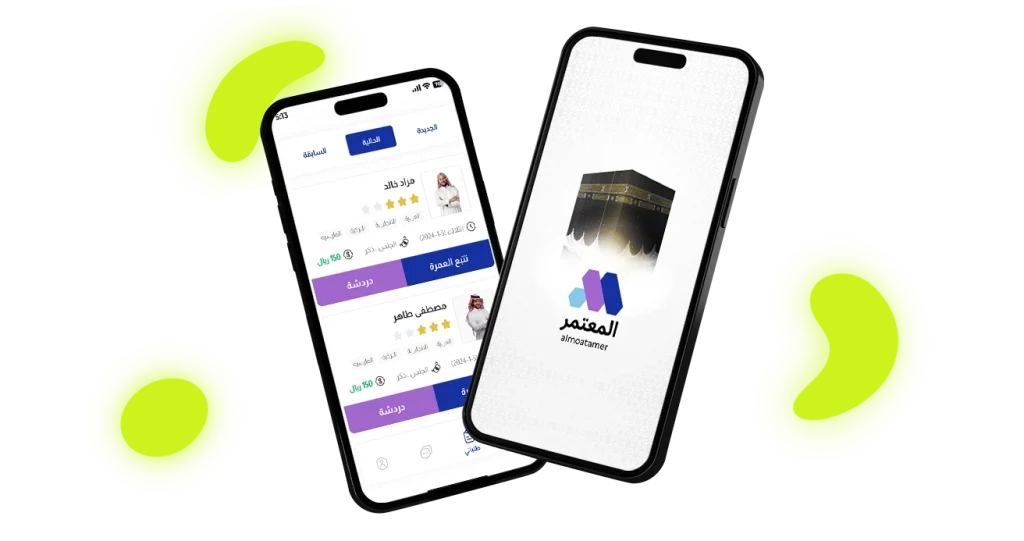
For example, while developing the Almoatamer App, the team carefully followed these steps starting with analyzing objectives and defining the target audience of pilgrims, then moving on to wireframes and an interactive booking prototype. User testing revealed key challenges early, enabling the team to optimize the interface before launch. This ensured the final app delivered a smooth and professional experience.
Following these steps not only saves companies significant time and resources but also increases the chances of launching a truly successful app.
Get Started Now
Creating App Design Prototypes is not a luxuryit’s a strategic move that reduces risks and maximizes your chances of success. Before investing your time and money in development, always begin with a clear, well-structured prototype.